 Loop
Loop Get free newsletter
The complete guide to
adopting AI
The AI models, tools and agents you should be using, right now.
Updated regularly as new products are released.
Keeping up with AI is exhausting.
It feels like there's something new every day, half of it is hype, and working out what actually matters takes time.
With years of experience building AI products, I've written this guide to walk you through the essentials - which models to use, tools that can genuinely change how you work, and how to get real value from AI in your business.

Liam McCormick
Senior AI Engineer
Generative AI models
Choose the right model for your use case

Claude Sonnet 4.6
Balances intelligence and cost perfectly. Your everyday workhorse for most tasks.
Lower cost makes this ideal for regular use. Only reach for Opus when you need the absolute best.
Claude Opus 4.7
The heavyweight. Excels at planning, complex reasoning, and challenging tasks.
Higher cost means you'll want to be selective. Reserve this for when quality matters most.

Gemini 3.1 Pro
Matches Opus-level reasoning at half the price. Strong alternative for complex work.
Significantly cheaper than Claude Opus 4.7 whilst delivering comparable performance.

GPT-5.5
Solid benchmark performance, though I typically favour Claude and Gemini.
More expensive than Gemini 3.1 Pro and Claude Opus 4.7. Worth it when GPT-5.5 specifically outperforms on your task.
Prompting essentials
The skill that matters more than which model you pick
Example 01
Be specific
Vague
Write me an email.
Better
Write a 3-paragraph email to my landlord asking for a 2-week rent extension. Polite but firm. Mention I've been a tenant for 4 years.

Beginner guide
Prompting for beginners
Step-by-step walkthrough with worked examples

Advanced techniques
Advanced prompting techniques
Chain-of-thought, few-shot, and other expert patterns

Prompt library
100 prompts for business
Ready-to-use prompts for every stage of growth
Glossary
The terms you'll hear over and over, in plain English
LLM
Large Language Model
The AI brain. Claude, GPT, and Gemini are all LLMs—trained on billions of examples to predict the next word. Almost every "AI" product you interact with today has one under the hood.
Recommended tools
The tools I use daily to get work done
Coding
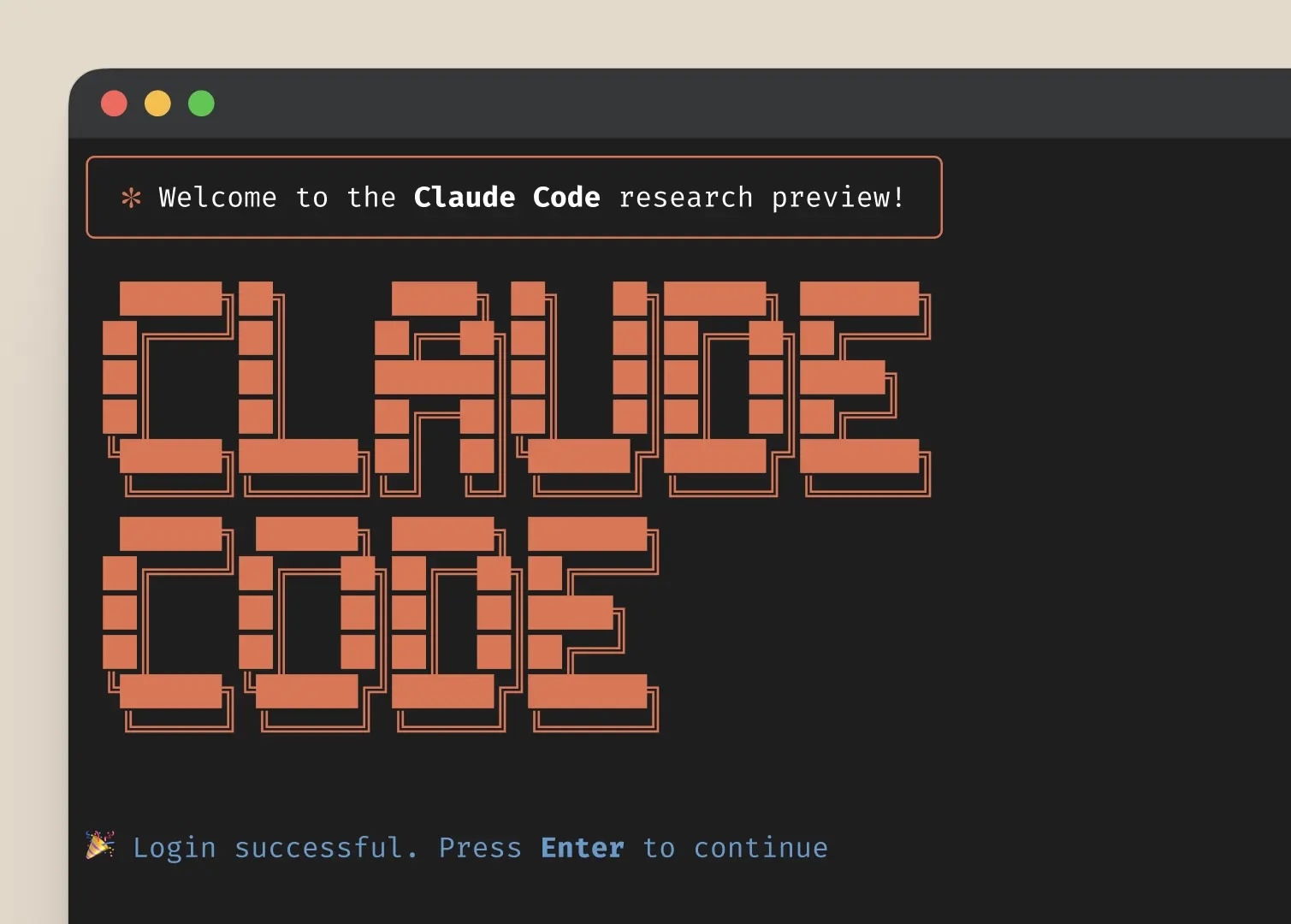
Claude Code
Work smarter with Claude Code, a terminal-based AI assistant that understands your entire codebase. From autonomous file editing to creating new components, Claude Code handles complex development tasks while you stay in flow.
Whether you're refactoring legacy code, debugging tricky issues, or building new features, Claude Code works alongside you with full context of your project. It's included free with your Claude subscription, making it an essential tool for modern development.
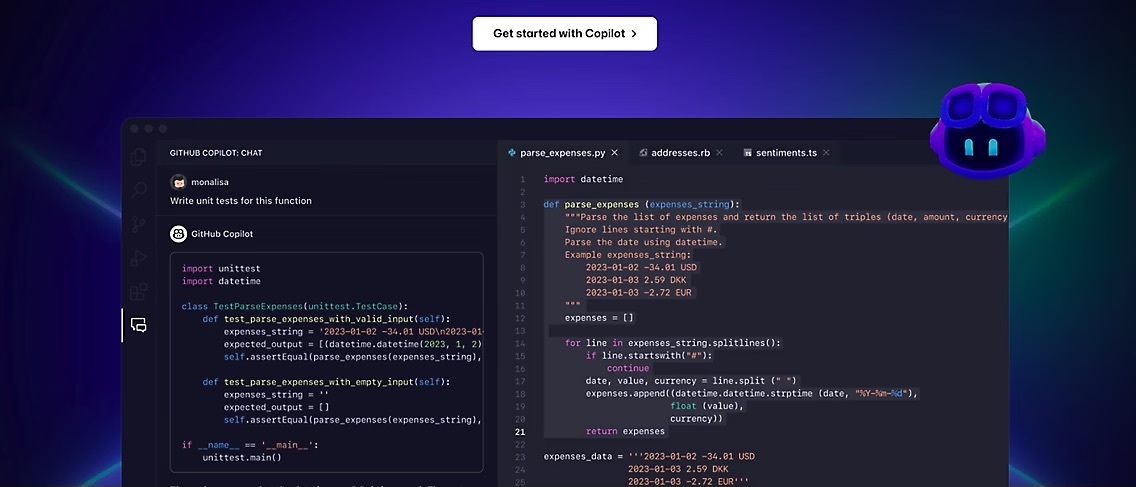
GitHub Copilot
Transform the way you write code with GitHub Copilot. This AI-powered coding assistant understands context from your comments and code to suggest entire lines or blocks of code as you type.
Whether you're learning a new language, exploring unfamiliar frameworks, or simply want to write code faster, Copilot adapts to your style and helps you maintain flow. It's like having an experienced developer looking over your shoulder, ready to help whenever you need it.
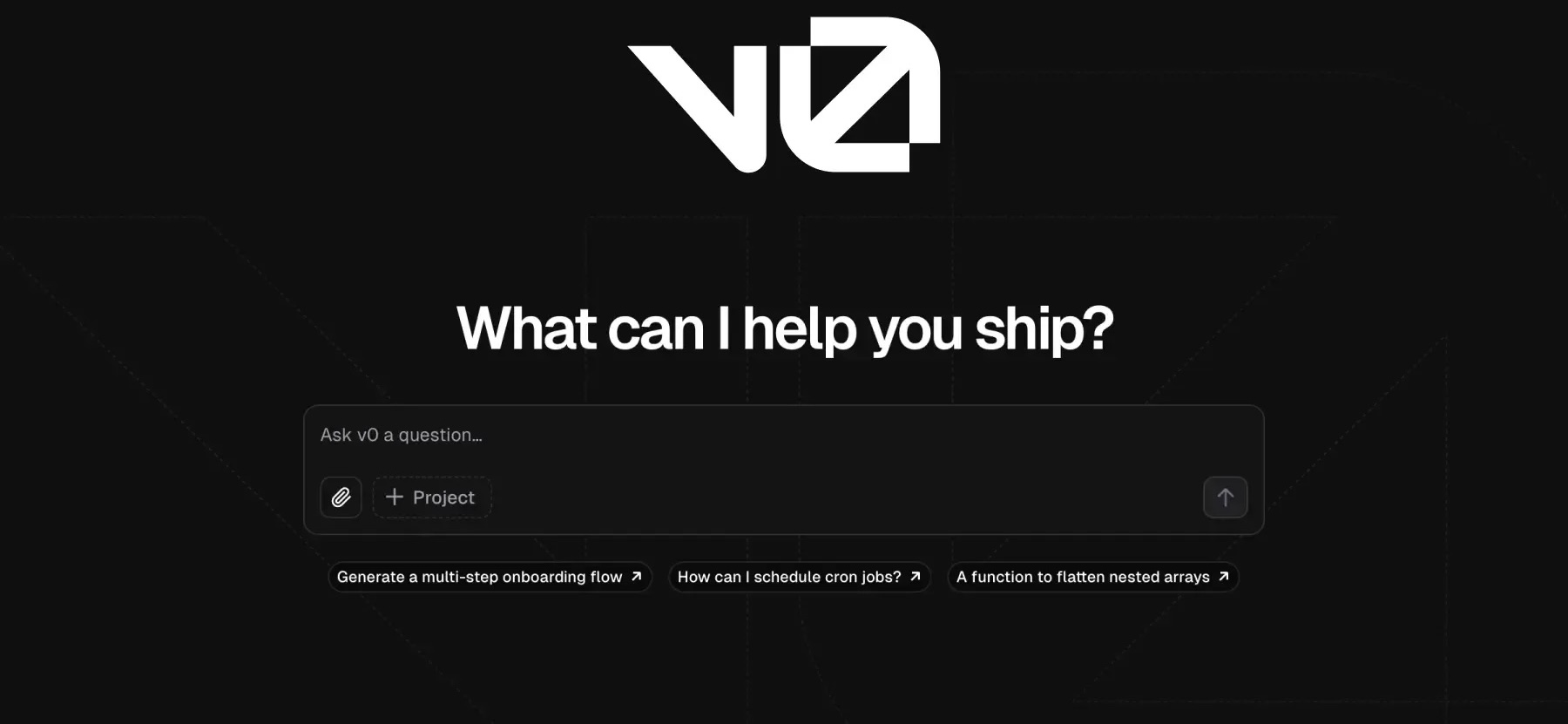
Vercel v0
Build interfaces at the speed of thought with Vercel v0. Describe the UI you want in plain English, and watch as v0 generates production-ready React components using shadcn/ui and Tailwind CSS that you can copy directly into your project.
Whether you're prototyping a new feature or exploring different design directions, v0 dramatically accelerates frontend development. Iterate on designs through conversation, refine components in real-time, and ship polished interfaces faster than ever before.
Going deeper with Claude Code
A beginner → advanced path for developers
Writing
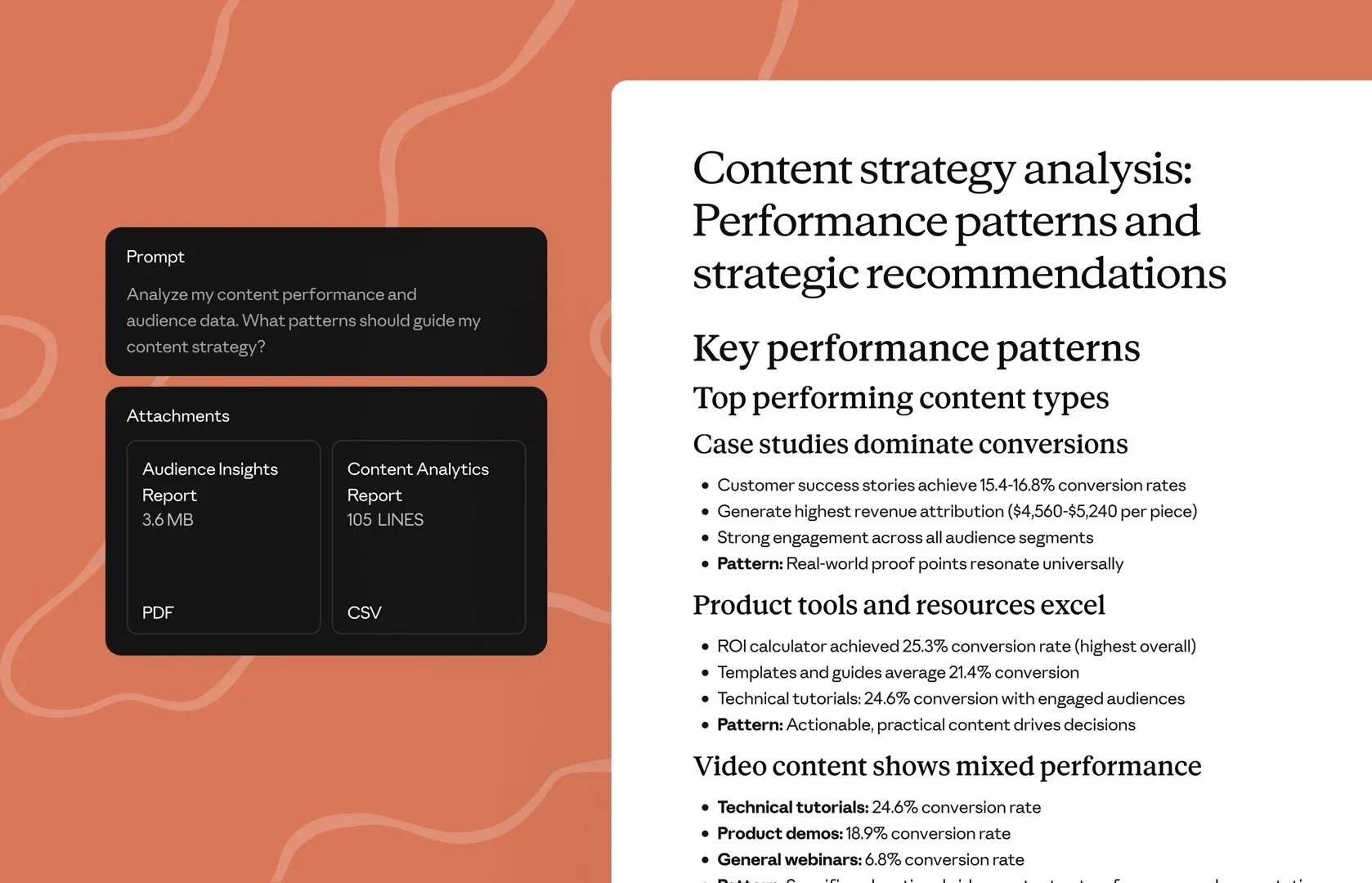
Claude Sonnet 4.6
Experience AI writing that sounds genuinely human with Claude Sonnet 4.6. This model excels at nuanced, conversational content that captures your unique voice, whether you're crafting long-form articles or polishing business communications.
From maintaining British English conventions to handling complex technical writing, Claude Sonnet 4.6 brings intelligence and attention to detail that other models miss. It's the go-to choice when writing quality matters more than speed.
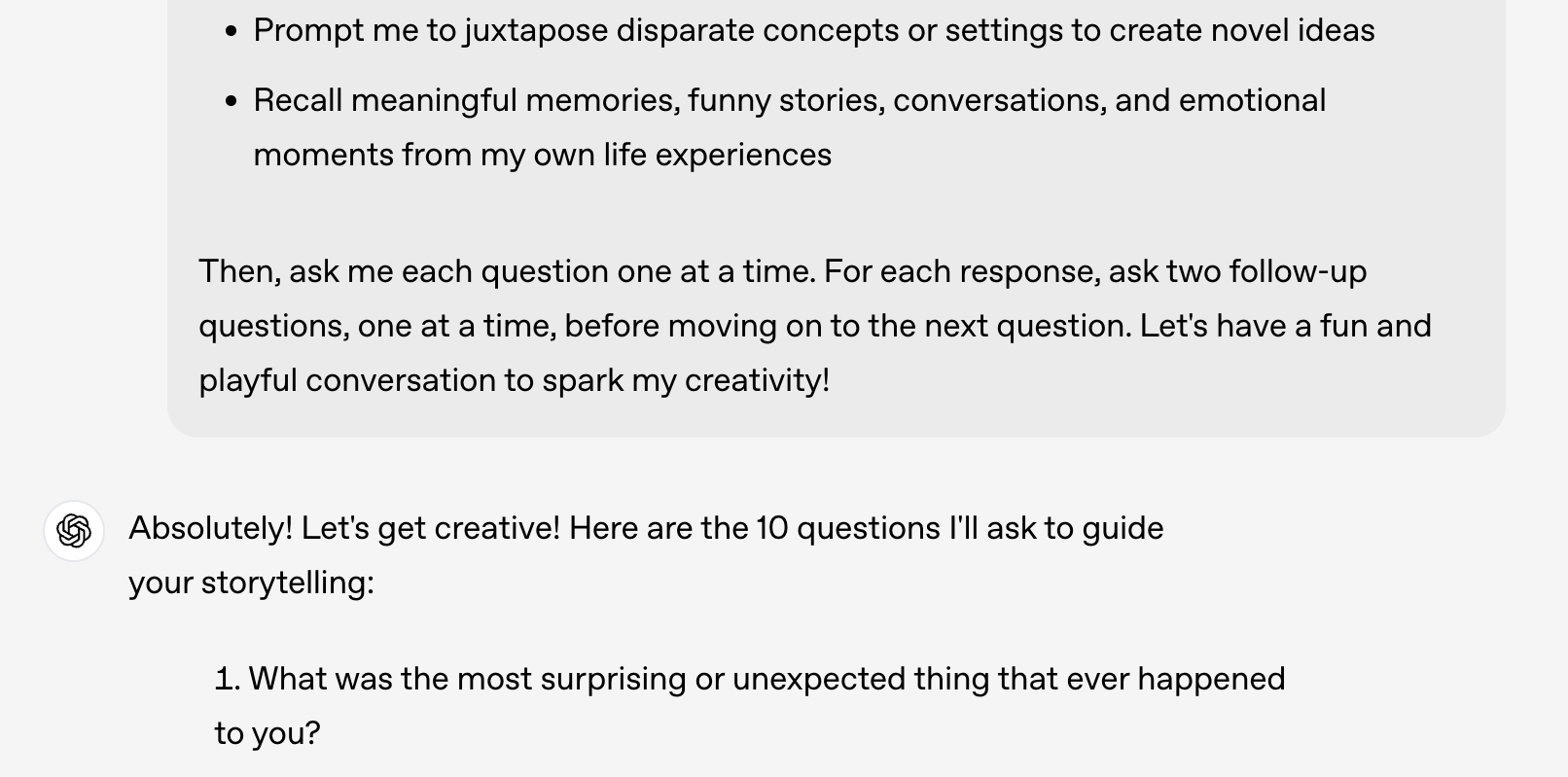
ChatGPT
Meet the AI assistant that's everywhere you need it. ChatGPT combines powerful writing capabilities with seamless browser integration, voice conversations, and built-in web search to help you work smarter across all your tasks.
Whether you're drafting emails, researching topics, or brainstorming ideas, ChatGPT adapts to your workflow. The voice mode makes it feel like talking to a colleague, while web search ensures you're always working with current information.
Research
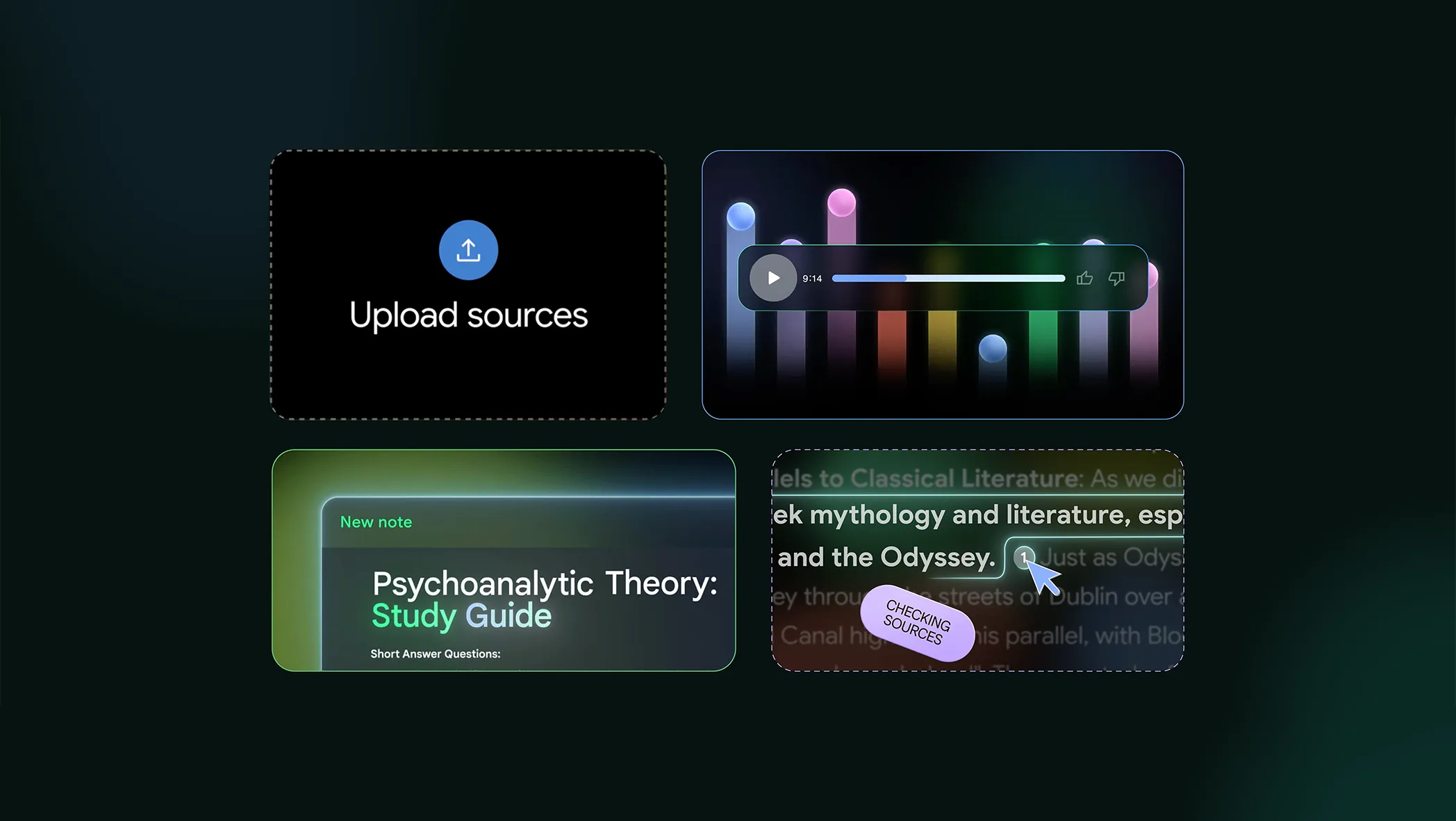
NotebookLM
Transform how you work with information using NotebookLM from Google. Upload PDFs, paste website links, or add your notes, and watch as it generates structured summaries, answers questions, and helps you make connections you might have missed.
Whether you're researching for a project, analysing documents, or trying to make sense of complex information, NotebookLM acts as your personal research assistant. Best of all, it's completely free to use with no limits on uploads.
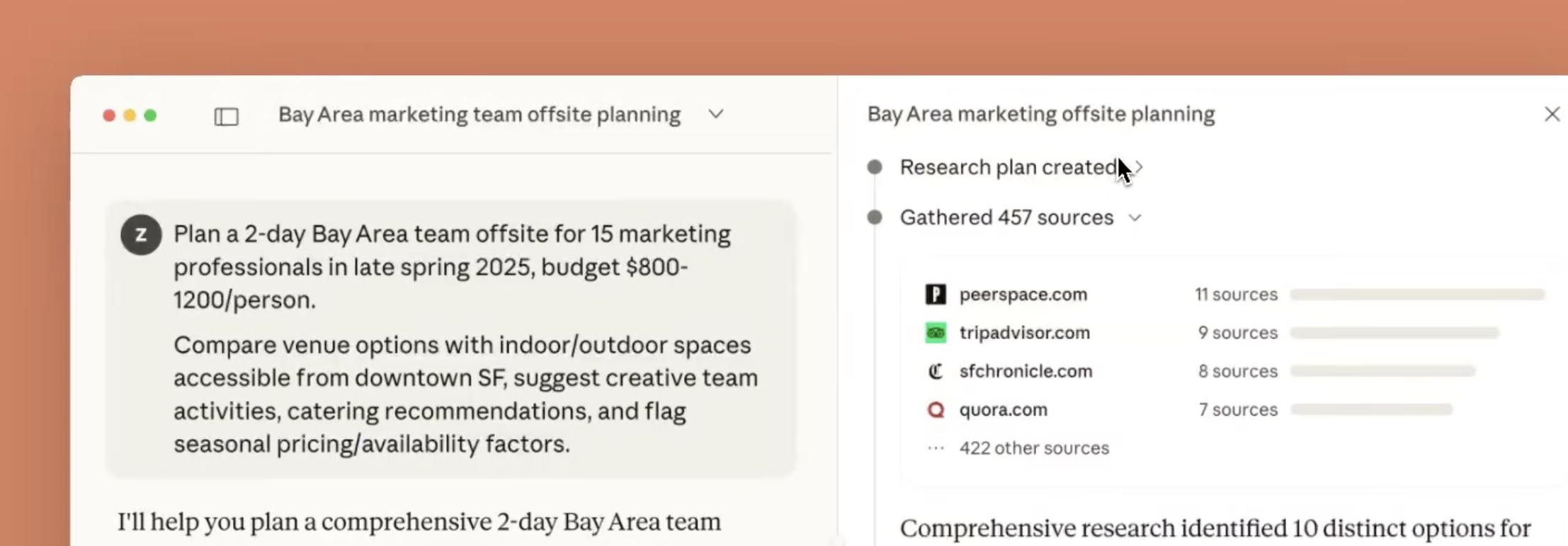
Claude with research mode
Get the best of both worlds with Claude's web search capabilities. Combine Claude's exceptional reasoning and writing abilities with real-time access to current information, complete with proper citations you can trust and verify.
Whether you're fact-checking claims, researching current events, or need up-to-date information on rapidly evolving topics, Claude synthesises multiple sources into clear, well-reasoned responses. It's research assistance that thinks critically about what it finds.
Design

Nano Banana Pro
Create stunning visuals with perfectly rendered text using Nano Banana Pro, Google DeepMind's latest image generation model powered by Gemini 3.1 Pro. From mockups and posters to detailed infographics, it excels at combining high-fidelity imagery with legible text across multiple languages.
Whether you're designing marketing materials, creating educational diagrams, or building brand assets, Nano Banana Pro delivers up to 4K resolution with advanced creative controls. Available free in the Gemini app and integrated into Adobe Firefly and Photoshop for seamless workflows.
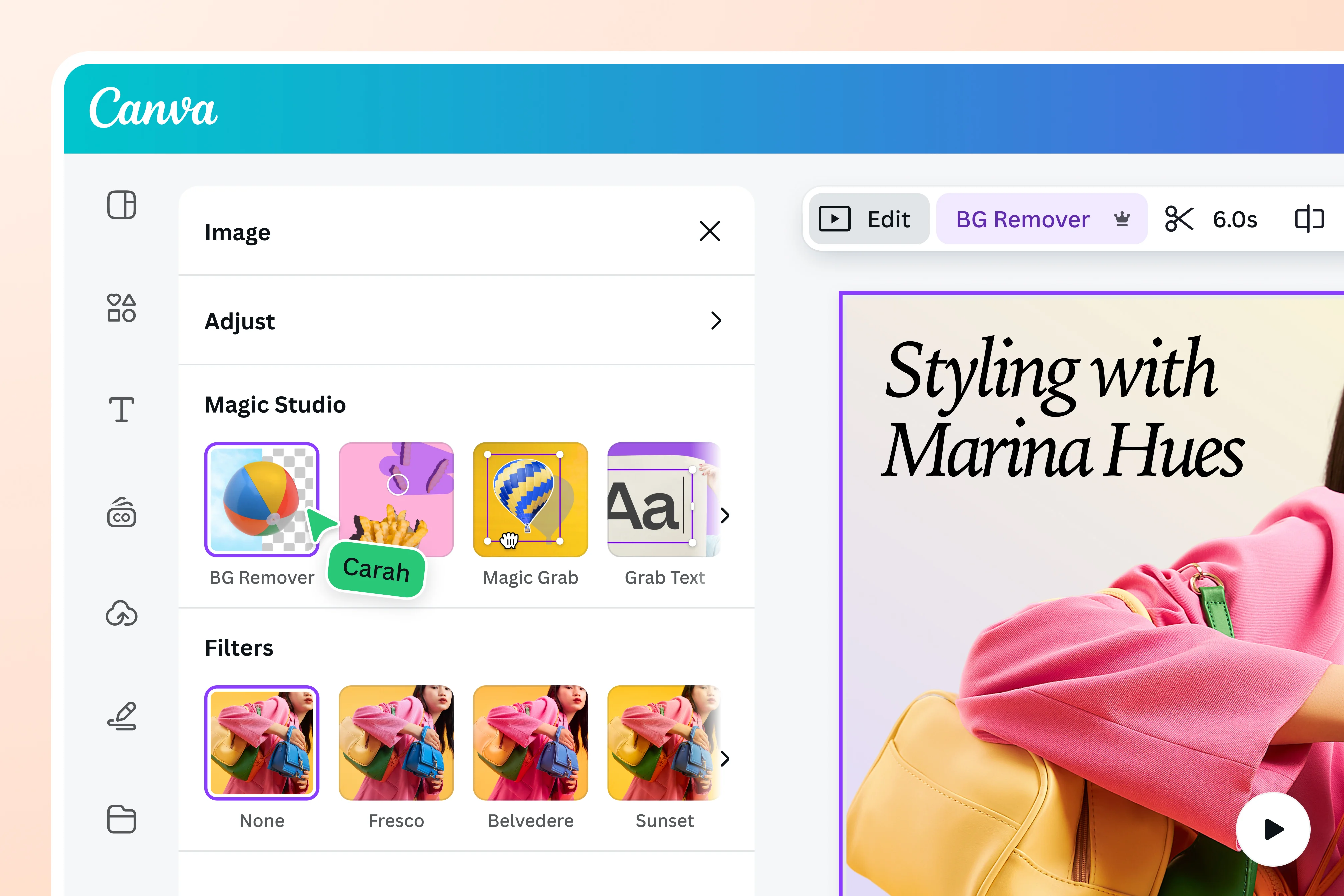
Canva AI
Design like a pro without being one. Canva AI combines an extensive template library with intelligent AI assistance to help you create professional graphics, presentations, and social media content in minutes instead of hours.
Whether you're creating a quick Instagram post or designing a full pitch deck, Canva AI suggests layouts, generates images, and helps you maintain consistent branding. The free tier gives you plenty to work with, making professional design accessible to everyone.

Veo 3.1
Witness the future of video creation with Veo 3.1, Google's cutting-edge AI video generator that creates photorealistic footage with synchronised audio that looks and sounds like it was filmed with professional equipment.
From product demonstrations to creative storytelling, Veo 3.1 is genuinely game-changing for content creators. What used to require expensive filming and production can now be generated from text descriptions, opening up entirely new creative possibilities for videos, ads, and visual narratives.
Productivity
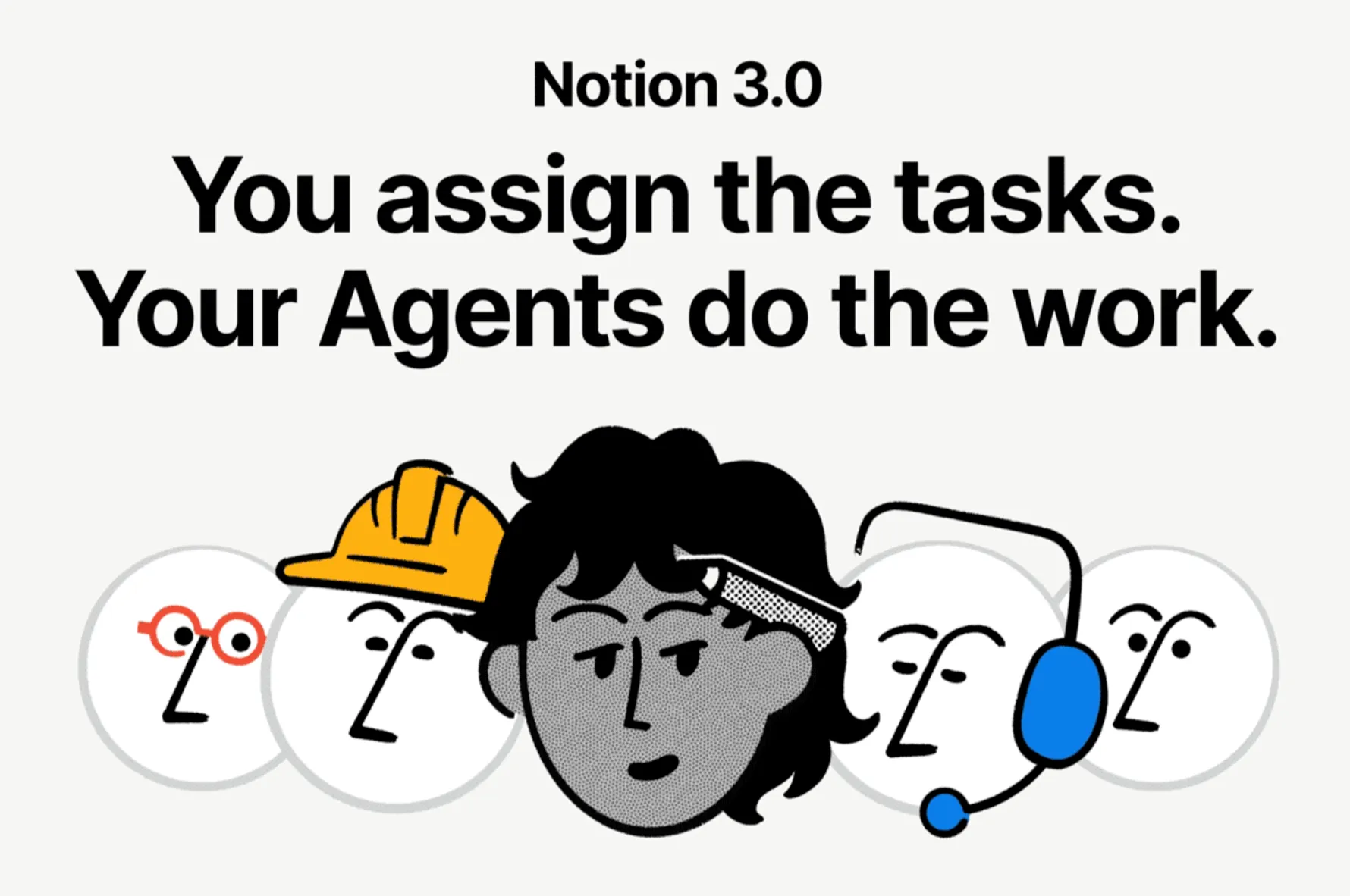
Notion AI
Notion AI brings powerful writing capabilities directly into your workspace. Write faster, think bigger, and augment your creativity with an AI assistant that understands your context.
From drafting documents to summarizing meeting notes, Notion AI helps you work more efficiently without leaving your workspace. It's the writing assistant that knows where you are and what you're working on.

Loop Newsletter
Get weekly AI insights delivered to your inbox
Subscribe for freeRead by executives at:

Building AI Agents
AI agents can complete tasks that would take your team hours—research, data analysis, code generation, workflow automation. But most projects fail. Not because the technology isn't capable, but because teams jump straight to building without understanding what they're actually trying to solve.
I've spent the last two years building production agents for enterprise clients. Here's what actually works.
What AI agents actually are
There's a lot of confusion here, so let's clear it up.
An AI assistant responds to your prompts. You ask a question, it gives an answer. That's ChatGPT, Claude, Gemini—useful, but passive.
An AI agent is different. It takes actions, uses tools, and completes multi-step tasks on its own. You give it a goal, and it figures out how to get there.
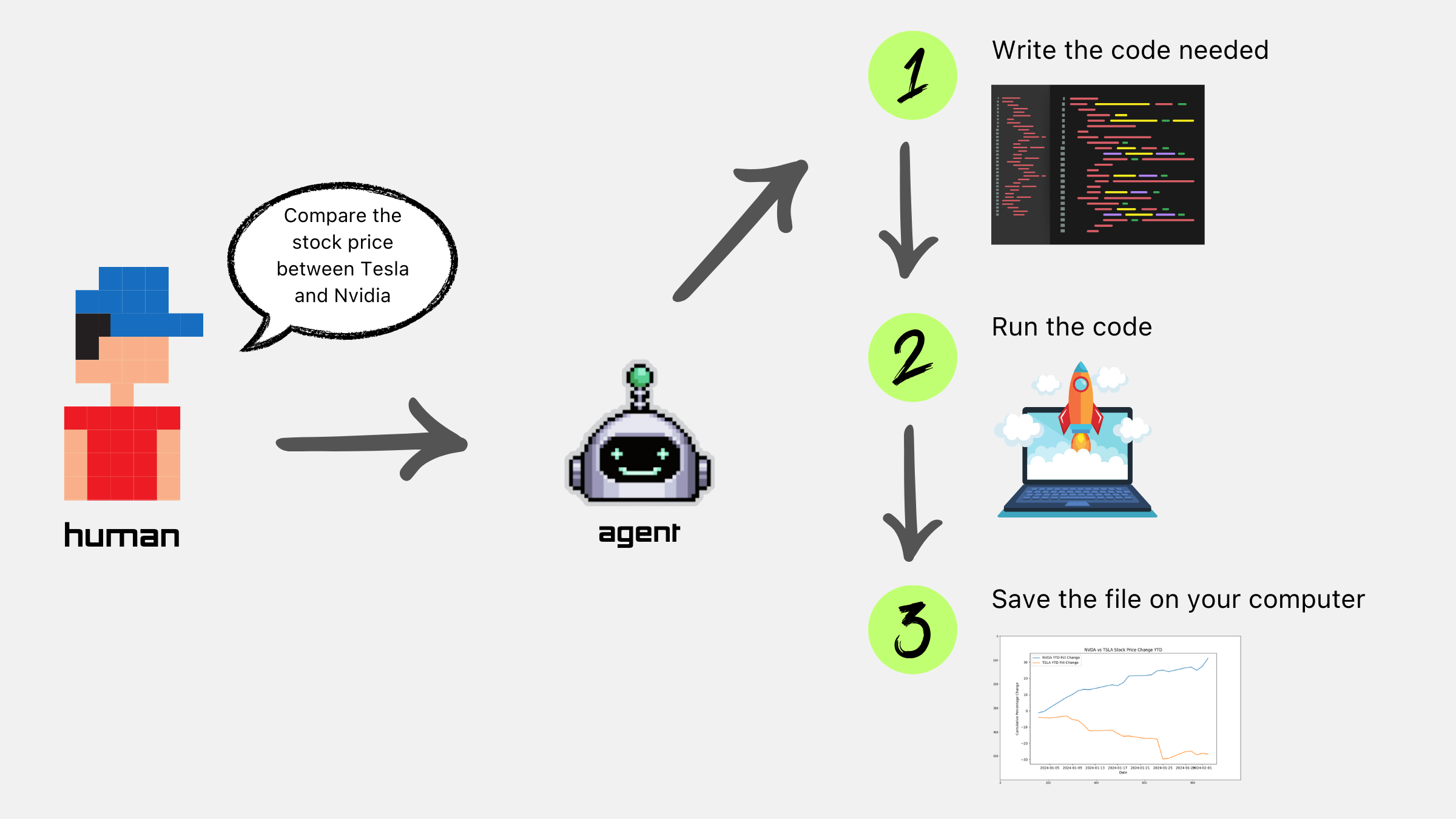
Here's a simple example: an assistant tells you how to book a meeting. An agent checks calendars, finds availability, sends invites, and confirms attendance—without you touching anything.
The difference matters because agents can do things that simply aren't possible with a chatbot. They can execute code, call APIs, search databases, scrape websites, and even control your computer.
When to build vs when to buy
Not every situation needs a custom agent. Sometimes the off-the-shelf options are exactly right.
Use existing agents when
- The use case is common (coding, writing, research)
- You need speed to value
- Your workflow fits the tool's assumptions
Build custom when
- You need integration with proprietary systems
- The workflow is unique to your business
- You require specific controls or compliance
If you're just getting started, I'd recommend exploring Claude Code for development work, Notion AI for workspace tasks, or Replit Agent for building applications. These give you a feel for what's possible before you invest in custom builds.
How to scope an agent project
This is where most teams go wrong. They jump straight to the technology without understanding the problem.
Start with the workflow, not the technology.
Map out exactly how the task is done today—every step, every decision point, every handoff. Where are the bottlenecks? Where do errors happen? Where do people waste time on repetitive work?
Identify the 3-5 use cases that actually matter.
Not every process benefits from agents. Look for high volume, repeatable steps, clear success criteria, and tolerance for occasional errors. Avoid high-stakes decisions, processes requiring nuanced judgment, or anything customer-facing without robust fallbacks.
Define the human-agent boundary.
What does the agent do autonomously? Where does it pause for human review? This isn't a limitation—it's how you build trust and catch errors before they compound.
I've seen teams try to automate everything at once. It never works. Start narrower than you think necessary. A tightly-scoped agent that works reliably beats an ambitious one that fails unpredictably.
The technical building blocks
You don't need to be a developer to understand how agents work. Here's what's under the hood:
The reasoning engine. This is Claude, GPT, or Gemini providing the intelligence that powers decisions.
How agents interact with external systems. APIs, databases, applications—whatever you give them access to.
Managing multi-step workflows, handling failures, maintaining state across a conversation.
Short-term (conversation context) and long-term (learned preferences, historical data).
Input validation, output filtering, scope limitations. The safety net that prevents agents from going off-course.
If you're building custom agents, it's worth understanding Anthropic's Model Context Protocol (MCP) and their Agent SDK. These are becoming industry standards and will save you significant development time.
What I've learned building production agents
I've shipped agents that handle real-time journey planning, generate client proposals from workshop notes, and help enterprises identify valuable AI features across their systems. Here's what I wish I'd known earlier:
Data quality matters more than model choice.
Your agent is only as good as the information it can access. I've seen teams spend weeks debating Claude vs GPT when their real problem was messy documentation and unreliable integrations. Fix the data first.
Design for failure.
Agents will make mistakes. The question is whether you've built systems to catch errors, alert humans, and recover gracefully. Circuit breakers, confidence thresholds, and human-in-the-loop checkpoints aren't optional—they're essential.
Change management is half the work.
The technical build might take three months. Getting teams to actually use the agent, trust it, and integrate it into their workflows? That takes longer. Budget for training, iteration, and ongoing feedback.
Scope creep kills projects.
Every stakeholder will have ideas for "just one more feature." Resist this. Prove value with a focused use case first, then expand. Small wins build momentum for larger initiatives.
A real example
For a transport application, we built an agent that provides real-time bus tracking and AI-powered journey planning. Users ask natural questions—"How do I get to the airport by 3pm?"—and the agent figures out the rest.
The approach
We connected the agent to live transit data, gave it tools to query routes and schedules, and designed fallbacks for when data wasn't available. The key was keeping the scope tight: journey planning only, with clear handoffs for edge cases.
The result
The prototype contributed to a £20 million contract. More importantly, it proved that agents could handle real-world complexity—variable data, unexpected queries, time pressure—without falling over.
What we'd do differently
We underestimated how much time we'd spend on data quality. The transit feeds were inconsistent, and we ended up building more validation logic than expected. Next time, I'd audit the data sources properly before writing any agent code.
Before you build: readiness checklist
If you can't tick most of these, you're not ready to build. That's not a criticism—it's how you avoid wasting time and money on projects that stall.
Common failure modes
"Boiling the ocean"
Trying to automate everything at once. Pick one workflow. Prove it works. Then expand.
Skipping the data work
Assuming existing documentation is agent-ready. It almost never is.
No fallback plan
Building agents without clear failure modes. What happens when the LLM hallucinates?
Treating agents like APIs
Expecting deterministic outputs from probabilistic systems. Design for variance.
Ignoring latency
Not accounting for LLM response time in user workflows. Speed matters.
Explore agent tools
Start with existing solutions or build your own

Notion AI
Summarise pages, generate content within your workspace
Claude Code
AI-powered terminal coding assistant for file editing and features
ChatGPT with integrations
Spotify, Zillow, Figma support with generative UI

Replit Agent
End-to-end application building and deployment

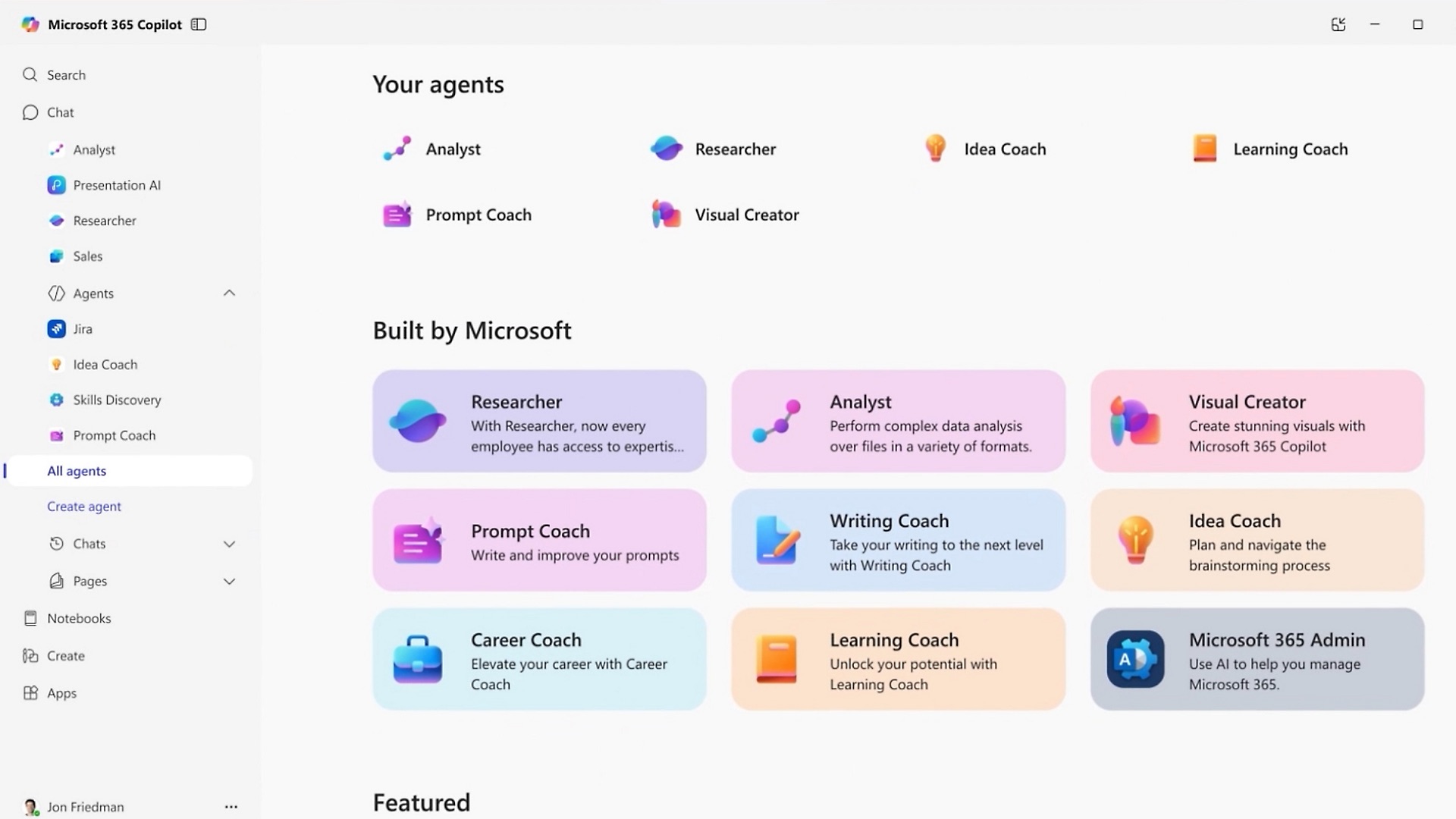
Microsoft Copilot
Integrated with Microsoft 365, 150M+ enterprise users
Google Gemini
Integrated in Google Workspace with deep search
Before you start implementing AI
Four steps to take before writing a single line of code
Ask the right questions
Get clarity before you write a single line of code.
What specific problem are you solving?
Get precise. "We want to use AI" isn't a brief—name the workflow, the people, the pain.
Do you have the right data?
Quality and relevance matter more than volume. Audit what you actually have access to.
Is AI the best solution?
Sometimes traditional software or process changes work better. Don't force AI where simpler tools fit.
What does success look like?
Define the metric before you start, not after. If you can't measure it, you can't improve it.
Who will use this and how?
Map the user journey. Consider training needs, adoption barriers, and existing workflows.
What's your timeline and budget?
AI projects take longer than expected. Factor in data prep, iteration, and ongoing maintenance.
Build AI responsibly
How you build matters as much as what you build.
Transparency
Users should always know when they're interacting with AI, what it does, and what its limits are.
Bias detection
AI can amplify existing biases. Test with diverse data, monitor outcomes, and have a process to address issues.
Human oversight
Keep people in the loop for high-stakes decisions. AI augments judgement, it doesn't replace it.
Data privacy
Respect user data. Follow GDPR, minimise collection, and be transparent about how it's used.
Safety & reliability
Plan for failure. What happens when the AI gets it wrong? Build fallbacks, monitoring, and circuit breakers.
Accountability
Establish ownership. Who's responsible when something goes wrong? Document capabilities and limitations.
Avoid common pitfalls
The traps that quietly kill most AI projects.
Boiling the ocean
Start with one specific use case. Prove it works. Then expand—small wins build momentum.
Ignoring data quality
Garbage in, garbage out. Most projects fail because of poor data, not poor algorithms.
Skipping change management
AI is a people problem too. Budget for training, workflow redesign, and ongoing communication.
No clear success metrics
If you can't measure it, you can't improve it. Define what success means before you start.
Over-relying without validation
AI makes mistakes. Build human review into critical decisions, especially early on.
Neglecting maintenance
Models drift over time. Plan for monitoring, retraining, and updates—not "set and forget."
Measure success
What you don't measure, you can't improve.
Productivity gains
Time saved per task, throughput, cost reduction. The operational wins that show up first.
Quality & accuracy
Error rates, prediction accuracy, user satisfaction. Compare against baseline and track over time.
Adoption rates
Daily active users and retention. Low adoption signals UX issues or lack of trust.
Business impact
ROI, revenue lift, retention. Tie AI back to outcomes leaders actually care about.
System health
Uptime, latency, model drift, incident rates. Technical metrics that keep things reliable.
Start simple, iterate
Pick 3–5 metrics aligned with your goals. Review regularly and adjust as you learn.
What businesses should invest in
Strategic priorities for AI transformation
Workforce transformation
The biggest opportunity isn't replacing people—it's enabling them to work at a higher level. Companies that invest in upskilling their workforce and redesigning workflows around AI assistance will see productivity gains that compound over time.
This means training programmes, new processes, and cultural change. The organisations winning with AI aren't just buying tools; they're fundamentally rethinking how work gets done.

AI agents
This is where the real value lies. AI agents that can complete tasks autonomously are delivering 2.1x greater ROI than other AI initiatives, according to BCG research. We're talking about systems that don't just suggest—they execute.
Start with high-impact use cases: customer service automation (think Klarna's approach, done properly), internal workflow automation for meeting notes and data analysis, or code generation and testing like Uber's doing. The key is focusing on 3-5 use cases that matter, not spreading yourself thin across dozens of experiments.
Companies like HCA Healthcare are seeing 40% reductions in review cycles. But here's what matters: you need to redesign workflows around agents, not force-fit them into existing processes. And human oversight? Still critical, no matter what the hype suggests.
Generative UI
Static interfaces are becoming obsolete. Generative UI creates dynamic interfaces based on context, delivering better user experiences than anything we could design manually. ChatGPT's app integrations with Spotify and Zillow prove the concept works—interfaces that adapt to what users actually need, when they need it.
Think context-aware interface changes and personalised user journeys. Companies like Context.ai are reimagining productivity software entirely around this concept. For React developers, frameworks like CopilotKit AG-UI make it practical to implement.
This isn't science fiction—it's happening now. The question isn't whether to explore generative UI, but how quickly you can start experimenting with it in your products.

Expert data collection
Your AI agents are only as good as the knowledge they can access. The companies winning with AI aren't just deploying models—they're systematically capturing expertise from their best people and making it accessible to their agents. This is the difference between an AI that gives generic responses and one that actually understands your business.
Start documenting decision-making processes, common scenarios, and edge cases from your top performers. Record how your experts handle complex situations, what questions they ask, and what factors they consider. Structure this knowledge so AI agents can retrieve and apply it contextually—not just as static documentation, but as living decision trees and examples.
This isn't a one-time project. Build systems where experts can continuously feed knowledge into your AI infrastructure. The organisations that treat expert knowledge as a strategic asset—actively collecting, structuring, and maintaining it—will have AI agents that actually reflect their institutional intelligence, not just what's in public training data.
Where AI is heading
The shifts that matter — and the hype to ignore
$580B
Data centres
surpasses oil investment
$850B
OpenAI
latest valuation
32%
Claude share
enterprise market
14M
Waymo trips
paid rides per year
Reasoning models went mainstream
Models that "think" before answering deliver markedly better results on complex, multi-step problems—maths, code, planning.
Cost dropped ~10x in 18 months
Per-token costs have collapsed. DeepSeek V4 Pro now matches OpenAI and Google at a fraction of the price—the "AI is too expensive" objection is effectively dead.
Agents shipped to production
Past the demo phase. 90% of companies are now using AI agents for software development, and enterprise rollouts are spreading well beyond coding.
Computer use is real
Claude Computer Use, OpenAI Operator, and browser-based agents can now drive your desktop. Routine UI work is automatable.
Open source caught up
DeepSeek and Llama frontier models match the closed labs on many tasks. Self-hosting is viable for cost or privacy-sensitive workloads.

Emerging technologies
Worth watching, but not ready for production
World models
AI systems that build internal representations of how the world works, enabling better reasoning and prediction.
Quantum computing
Computers that leverage quantum mechanics for exponentially faster processing.
Brain-computer interfaces
Direct communication pathways between the brain and external devices.
Fusion energy
Clean energy generation by replicating the sun's power.